
Wallpaper studio
Make wallpapers, don't download them.
Every wallpaper is generated on your phone with Metal shaders, so no two are alike. Every setting is a slider: colours, scale, motion and grain.


What it does
27 generative styles
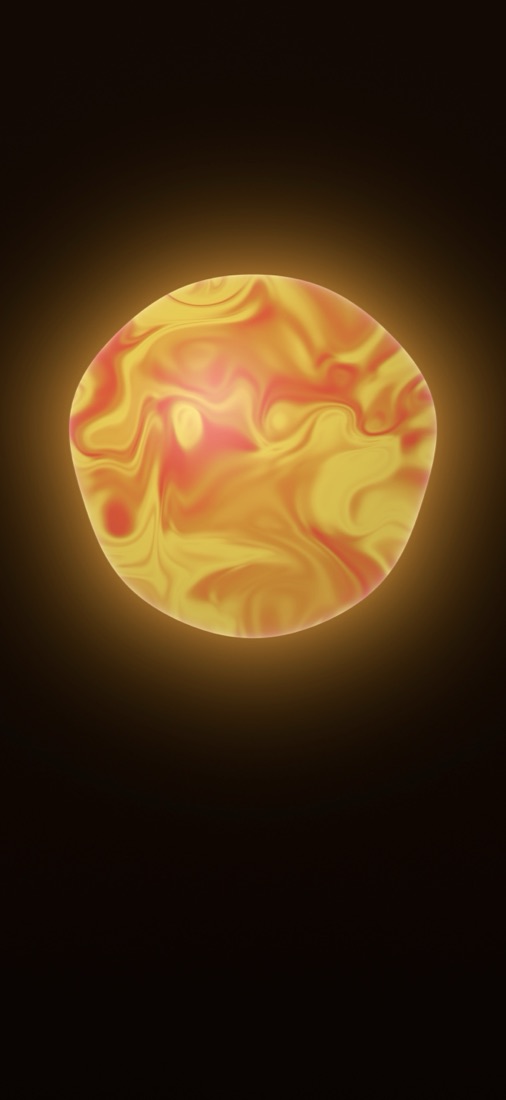
Mesh Gradient, Aura, Orb, Marble, Liquid, Caustics, Flow, Voronoi, Halftone, Line Art, Moiré, Dither, Truchet, Mountains, Topography, Aurora, Typography and more.
Live Photo wallpapers
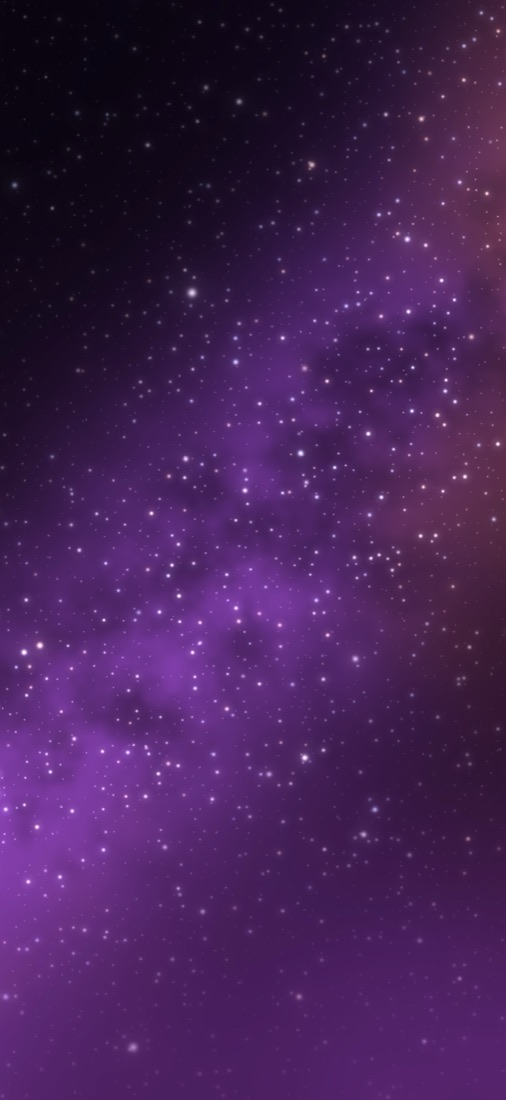
Seven styles save as Live Photos that move on the Lock Screen: Aura, Caustics, Aurora, Liquid, Orb, Stars and Afterglow. The animation can be paused in the editor.
From your photo
Palette from Photo takes the colours from a picture of yours. Typography, Dither and ASCII can use your photo too.
Sky Right Now
Mountains painted in the colours of the real sky above you.
Shuffle and preview
Shuffle gives you a fresh variation. A live Lock Screen preview shows how it will look before you save.
Finishing effects
Grain, a line grid, a dot grid, prism, blur and a retro CRT look.
Browse
Photo wallpapers from Pexels and Wallhaven, if you'd rather pick one.
Full resolution
Saved straight to Photos at your screen's resolution. iPhone and iPad, in 13 languages.
Free and Lumora Pro
Lumora is free with a selection of styles, so you can try it first. Your first Live Photo is free in any animated style.
Lumora Pro unlocks every style, effect and font, plus new styles every month. It comes as a weekly, monthly or yearly subscription, or a one-time lifetime purchase.
Help
Answers to the questions people ask most.
How do I create and save a wallpaper?
Pick a style, shape it with the sliders, add a finishing effect if you like and tap Save to Photos. Then set it as your Lock Screen or Home Screen from Photos.
How do I set a Live Photo wallpaper?
Choose an animated style such as Aura or Orb and save it as a Live Photo. In Photos, open it, tap Share, then Use as Wallpaper.
I bought Pro but it's still locked
Open Settings in Lumora and tap Restore. Make sure you're signed in with the Apple ID you used to buy, then restart the app. If it's still locked, write to me.
How do I manage or cancel my subscription?
Subscriptions are managed by Apple: open Settings, tap your name, then Subscriptions, and choose Lumora. Cancel at least 24 hours before renewal to avoid the next charge. Lifetime is a one-time purchase and doesn't renew.
Do my purchases carry over to a new device?
Yes. Purchases are tied to your Apple ID. Install Lumora on the new device, open Settings and tap Restore.